How to Read QC Photos: GL or RL?
GL means green light (keep it), RL means red light (return it). Here is how to decide from the photos.
Start with shape and proportions
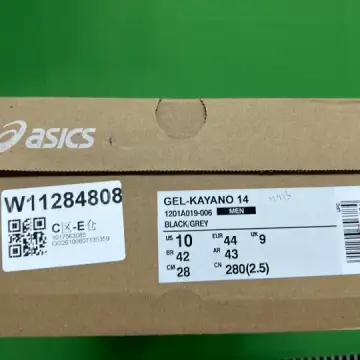
Put the QC photo next to a retail photo from the same angle. On shoes, look at the toe box and the heel; on clothing, at the length of the body and sleeves. Shape is the hardest thing for a factory to fix and the easiest thing for others to notice.
Then the logo and the details
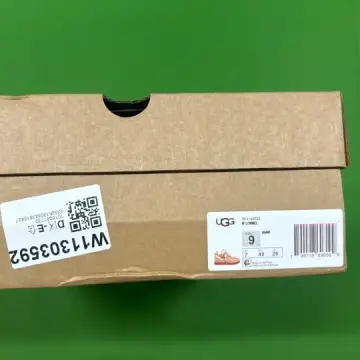
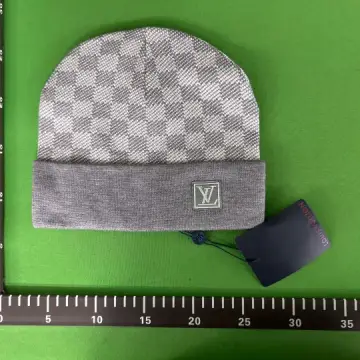
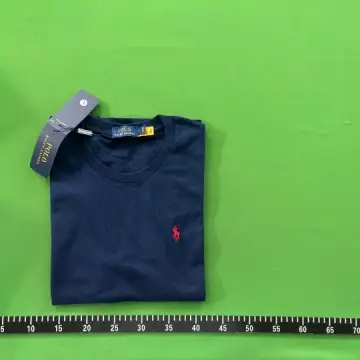
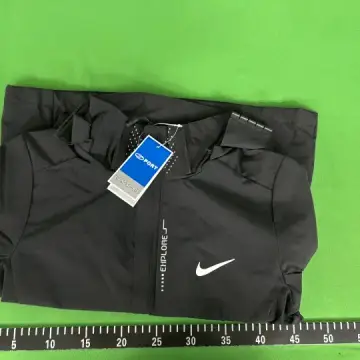
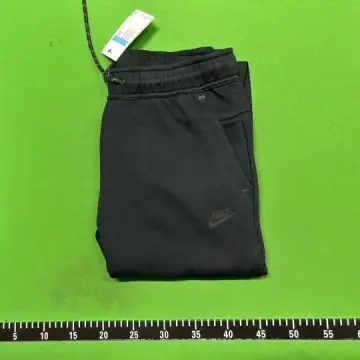
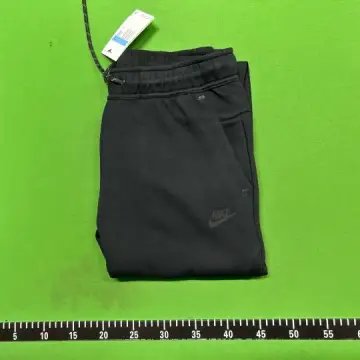
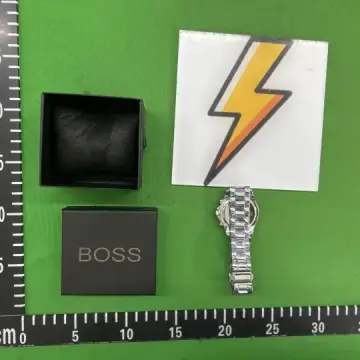
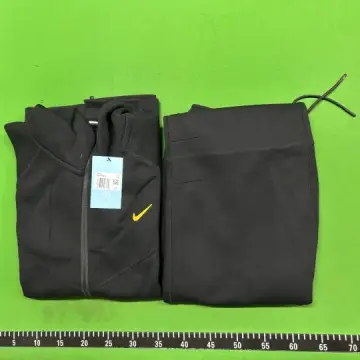
Check the logo's size, position and spacing, the embroidery density, and the print sharpness. Then the small parts: zipper pulls, buttons, tags and the size label.
Colour and light
Warehouse lighting is cold and harsh, so colours often look a little off. Compare the colour across several QC sets of the same listing before you decide it is wrong.
Measurements
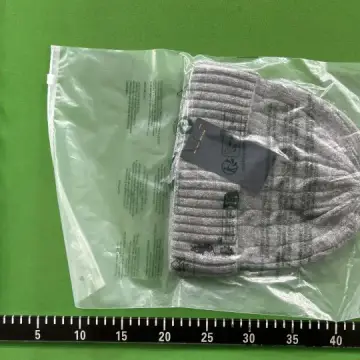
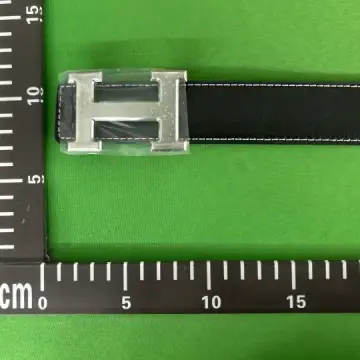
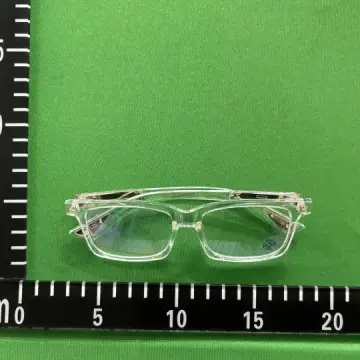
If the photos include a tape measure, compare it with a piece you own that fits well. Size letters vary between sellers; centimetres do not.
When to RL
Return for a wrong size, a wrong colour, damage, stains, glue stains you cannot clean, or a logo that is clearly off. Small flaws that nobody notices from a metre away are usually not worth the time and the domestic shipping of an exchange.