USFans QC Finder
Paste a usfans.com product link and see warehouse photos of the same listing from USFans and other agents.
Paste a usfans.com product link and see warehouse photos of the same listing from USFans and other agents.
Works with WeidianTaobao1688KakobuyUSFansOopbuyHipobuyLitbuyAcbuy
Recently Checked by Users
Links other visitors just looked up in the QC finder.
QC by Category
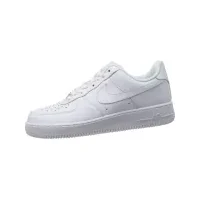
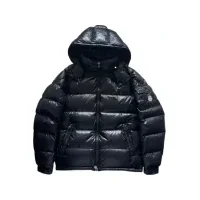
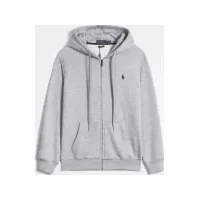
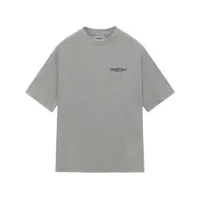
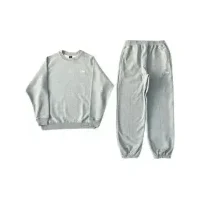
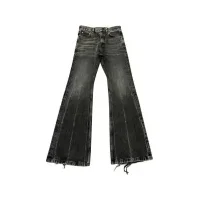
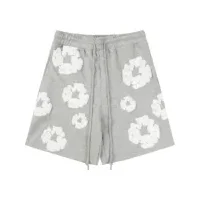
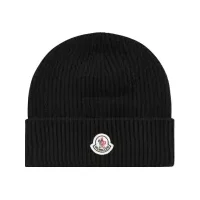
USFans QC Finder
USFans links end in the item number: product/3/ for Weidian, product/1/ for Taobao and product/2/ for 1688. The finder reads both and shows every QC set for the listing.
Where the photos come from
For items in our catalog you get the QC photos we keep from real orders. For any other link, the finder gathers every QC set it can find for that listing from many shopping agents (Kakobuy, USFans, Oopbuy, GTBuy, ACBuy and more), newest first, with the parcel weight and box size when they are known.
Supported links
- Weidian: weidian.com/item.html?itemID=…
- Taobao and Tmall: item.taobao.com/item.htm?id=…
- 1688: detail.1688.com/offer/….html
- Agent links: Kakobuy, USFans, Hipobuy, Litbuy, Oopbuy, Acbuy and others that carry the item number
Get the free Chrome extension
See QC photos right on the item page: a "See QC photos" button appears on Weidian, Taobao, 1688, Kakobuy and USFans item pages and opens the QC photos of that item here.