How to Find QC Photos for Any Link
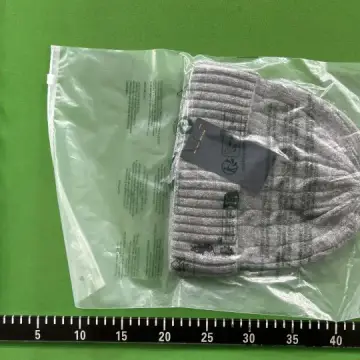
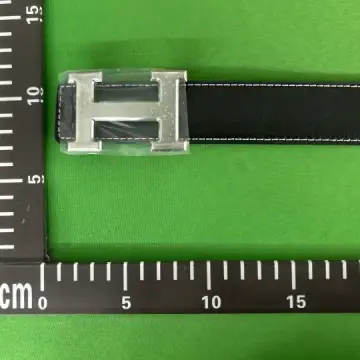
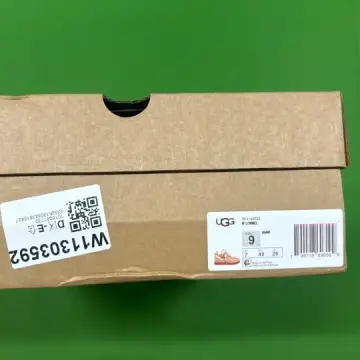
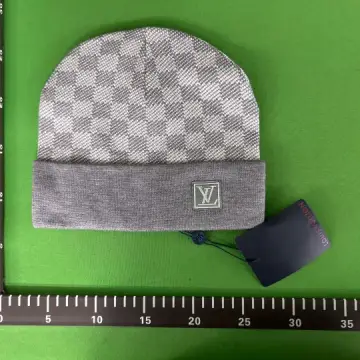
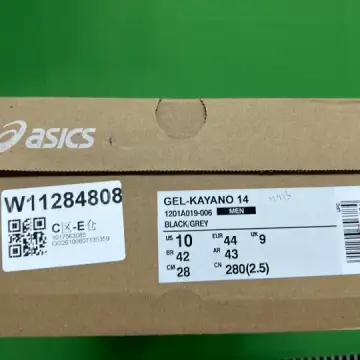
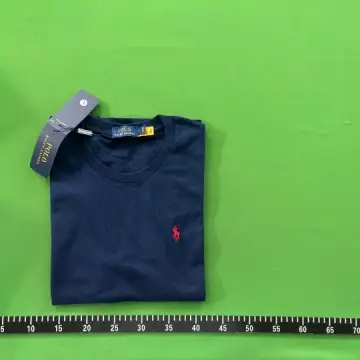
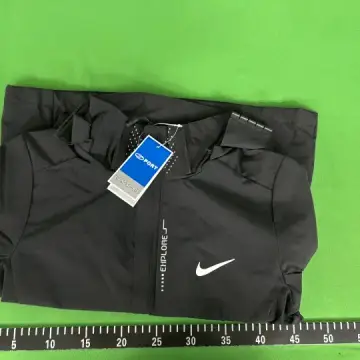
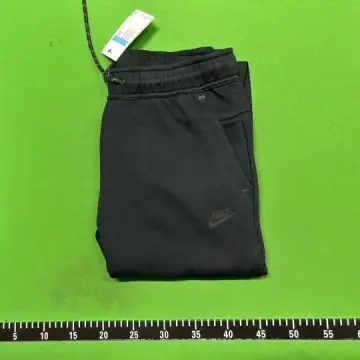
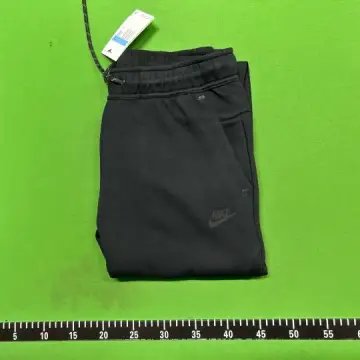
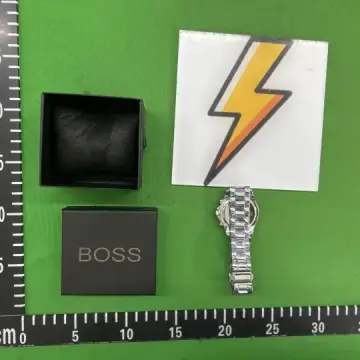
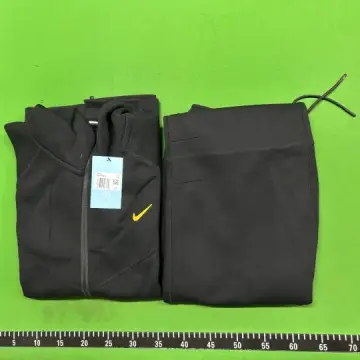
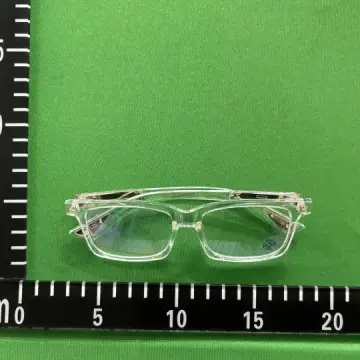
A QC finder looks up warehouse photos from other buyers' orders of the same listing. All it needs is the item number, which every link carries.
Every listing has a number
A Weidian link carries an itemID, a Taobao link an id, and a 1688 link an offer number. Agent links carry the same number in their own format, for example kakobuy.com/item/details?url=… or usfans.com/product/3/…
The QC finder reads that number from whatever you paste, so you do not need to clean the link first.
Using the QC finder
Paste the link into the QC finder and the photos load below it, grouped by the agent and the order they came from, newest first. Click any photo to open it full size and move through the set with the arrow keys.
If the item is in our catalog, you also get its page with the price, versions and buttons for six agents.
When nothing comes up
A listing with no QC sets is either new, rarely bought, or a relist of an older item under a new number. Look for the same item from the same seller, or check the brand page here for a listing that does have photos.