ACBuy QC Finder
Paste a ACBuy item link and see the warehouse photos other buyers got for the same listing, from ACBuy and from other agents.
Paste a ACBuy item link and see the warehouse photos other buyers got for the same listing, from ACBuy and from other agents.
Works with WeidianTaobao1688KakobuyUSFansOopbuyHipobuyLitbuyAcbuy
Recently Checked by Users
Links other visitors just looked up in the QC finder.
QC by Category
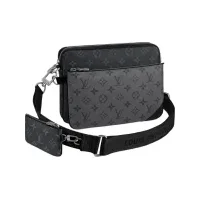
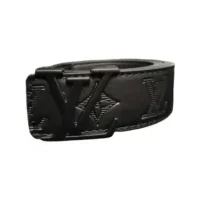
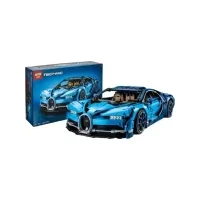
ACBuy QC Finder
A ACBuy item page points at one Weidian, Taobao or 1688 listing. The finder reads the item number from your ACBuy link (or from the marketplace link inside it) and loads every QC set it can find for that listing, newest first. ACBuy links carry the item number and a source code for the marketplace.
Photos from the ACBuy warehouse appear here next to sets from other agents for the same listing.
Where the photos come from
For items in our catalog you get the QC photos we keep from real orders. For any other link, the finder gathers every QC set it can find for that listing from many shopping agents (Kakobuy, USFans, Oopbuy, GTBuy, ACBuy and more), newest first, with the parcel weight and box size when they are known.
Supported links
- Weidian: weidian.com/item.html?itemID=…
- Taobao and Tmall: item.taobao.com/item.htm?id=…
- 1688: detail.1688.com/offer/….html
- Agent links: Kakobuy, USFans, Hipobuy, Litbuy, Oopbuy, Acbuy and others that carry the item number
Get the free Chrome extension
See QC photos right on the item page: a "See QC photos" button appears on Weidian, Taobao, 1688, Kakobuy and USFans item pages and opens the QC photos of that item here.